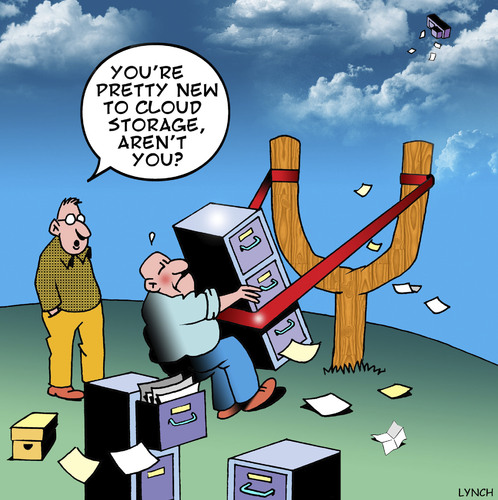
Hard drives are becoming like the pieces of chocolate that no one wants to eat in the box of assorted chocolates. More people are seeking ways to store their information on the cloud, as local storage is seen as more inclined to fail than the cloud. Cloud storage is becoming more popular as reliable and better internet speeds are becoming the norm, even on mobile devices.
Cloud storage is a very easy and handy way to keep your data backed up, synced between computers and accessible from anyplace at anytime. Your documents can be stored and even edited while you are on the go. You can easily share documents with other people as long as they are using the same service. Any type of document can be shared with friends or co-workers.
It is safe and secure because the service provider tends to the backup and recovery with multiple levels of security and an encryption system that keeps the data protected and intact. Also, you can receive storage at no cost or at a very low price when you are in need of more space. This lessens your expenses drastically when compared to purchasing and maintaining a local server or hard drive.
The startup process is extremely easy. Choose your cloud storage service, go to their website, select the plan that fits your needs, and then sign up. Fill in all of the required information, verify your email (if necessary), and then you are done. You can start uploading your documents immediately.
Selecting a cloud storage service is a little more difficult because there are so many services that are available to you. Today, let's learn about Google Drive and OneDrive.

GOOGLE DRIVE
Technical factors:
1) File size restriction: 5TB
2) Free storage space: 15GB
3) Earn extra free storage? No
4) Paid plans: $2/a month for 100GB
$10/a month for 1TB
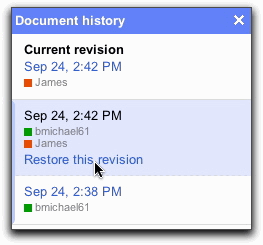
This service was launched in 2012, and is one of the most widely used cloud storage services. It is also one of the most cheapest services out there. You can access Google Drive through your Google account. You can prepare spreadsheets, documents, presentations, and more and can edit them over the internet. Any changes you make are immediately saved on Google Drive. You don't need any special devices to reach Google Drive. As long as the device is connected to the internet, you can use your account when you need it.
Sharing files (irregardless of size) is simple if a specified group is given editing permission. Effortless integration with other Google apps can help you easily open your documents stored on Google Drive. Bulky email attachments are a thing of the past because you can send the link to Google Drive and your messages will be forwarded to you.
I think this site is extremely easy to use. Everything is on the page in front of you and you don't really have to search around for everything. It's kind of self-explanatory. I don't think that there is anything that I dislike about Google Drive.
ONEDRIVE
Technical factors:
1) File size restriction: 10GB
2) Free storage space: 15GB
3) Earn extra free storage? Yes
If you refer 10 people, you'll receive 500MB per referral for a maximum limit of 5GB. Also, you can get an extra 3GB by switching on the automatic camera uploads in the mobile apps.
4) Paid plans: $2/a month for 100GB
$4/a month for 200GB
$7/a month for 1TB
This service was launched in 2007 under a different name. It's current name is OneDrive. This service supports Office Online which allows you to store MS Office documents in the cloud and lets you edit them from your web browser. People that already have Windows 8 and 8.1 will also have OneDrive in their operating system. Editing photos and other documents from OneDrive on all of your Windows applications are easy. You can also work on documents with other people who have Office apps and actually see edits being made by others.
OneDrive is compatible with all kinds of devices and operating systems. It has easy file-sharing along with a simple user interface. It is one of the most flexible cloud storage services for storing, syncing, and sharing files.
I think that OneDrive is easy to use, but I didn't like the login sequence. I also think that the site is very plain and boring. Personally, I don't think that I would use this cloud storage service.

So, which cloud storage service is best for you? Obviously, it can be overwhelming. It depends on your priorities and figuring out what you need in a cloud storage service. All of these services have different features that should meet your requirements. If it doesn't, then choose another one that will make you feel secure in knowing that your documents are stored in a safe place.
As for myself, I prefer Google Drive. It's simplistic, and I don't have any problems trying to find what I need. I like having Google Calendar to keep track of any appointments or events that I need to remember. I can even write down my homework so I know when it is due. I also like the idea of being able to create your own custom maps. The auto saving of your document is one of the great things about Google Drive along with searching for something just by its name. Google Drive would be my favorite cloud storage service.